

Set Up Your Mailbox on an Android Device
You can easily add your email mailbox to your Android smartphone using the Gmail app. Follow the steps below to complete the setup.
Open the Gmail app on your Android phone.
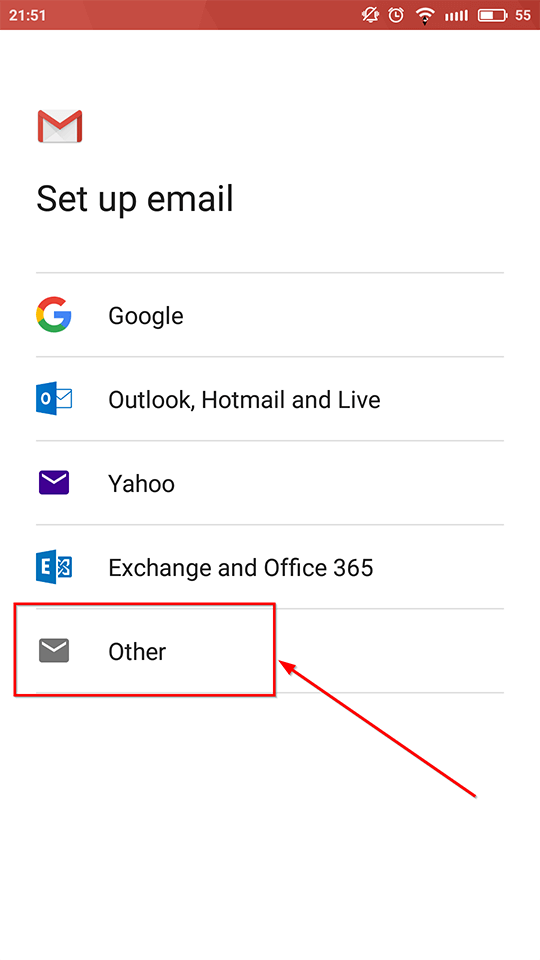
In the Set up email screen, tap Other.
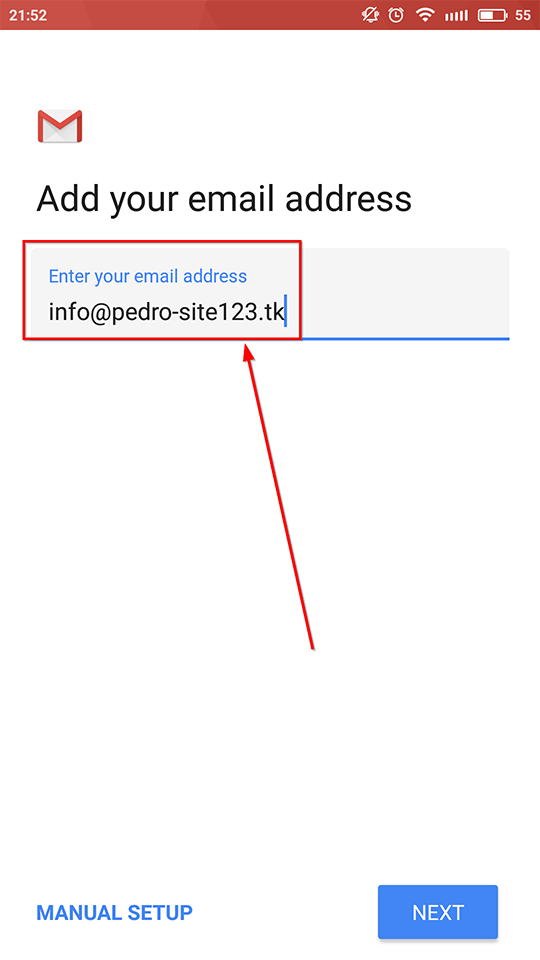
Type your full email address (for example: yourname@yourdomain.com).
Tap Next.
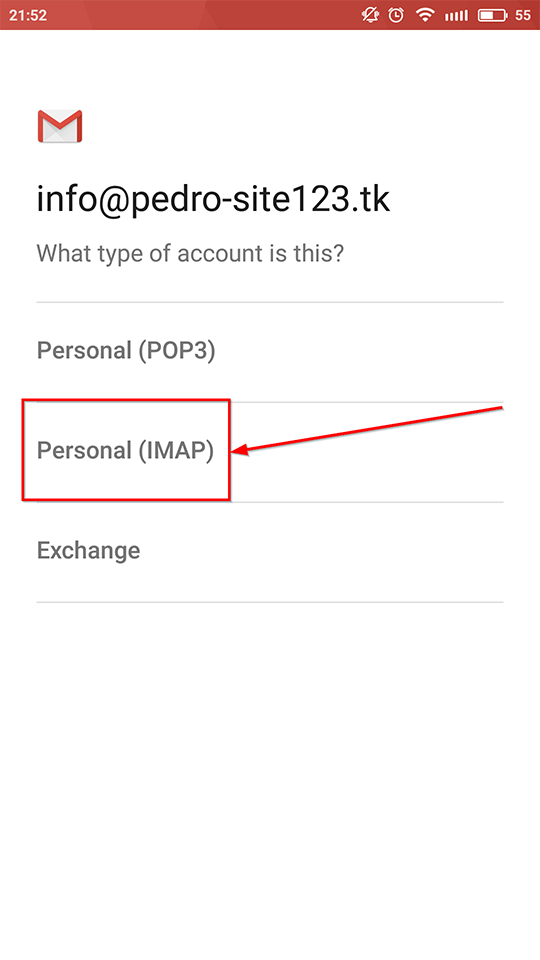
Select the type of account you want to add:
IMAP (recommended)
POP3
Tap your preferred option to continue.
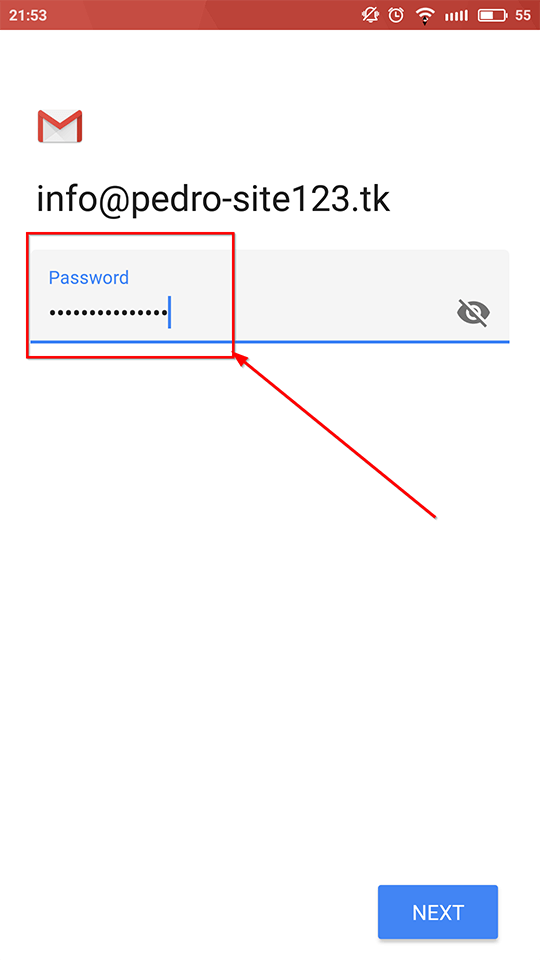
Enter the password for your email account.
Tap Next.
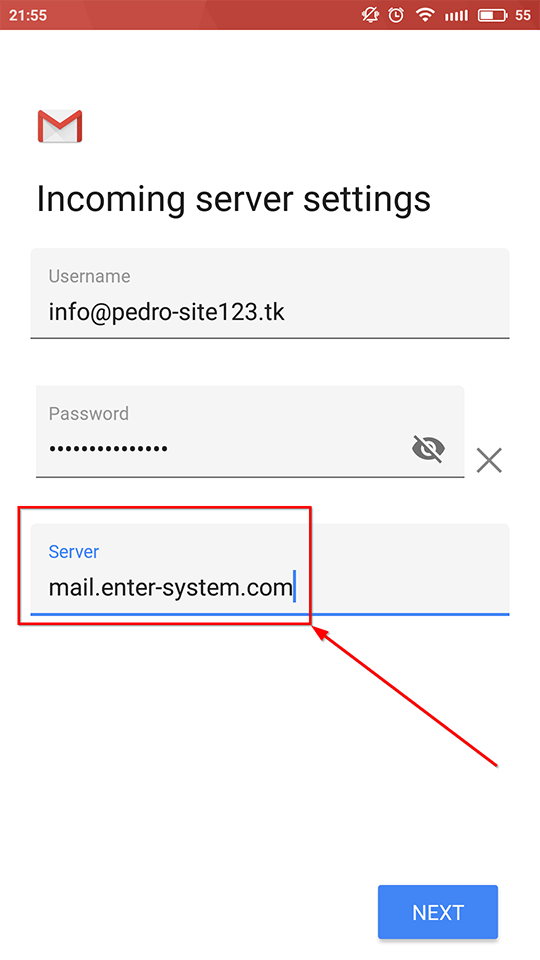
When prompted, enter the following details:
Incoming server: mail.enter-system.com
Tap Next once complete.
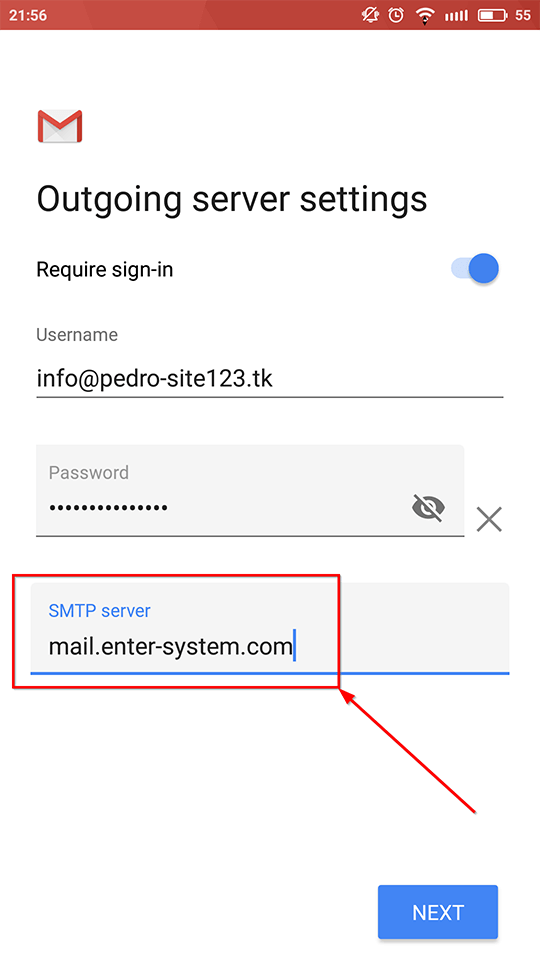
Enter the same server address for outgoing mail:
Outgoing server: mail.enter-system.com
Tap Next.
Review the account options if needed.
Tap Next or Submit to complete the setup.
Your mailbox will now be connected and ready to use in the Gmail app.