You can add your business email to the iPhone Mail app in a few steps:
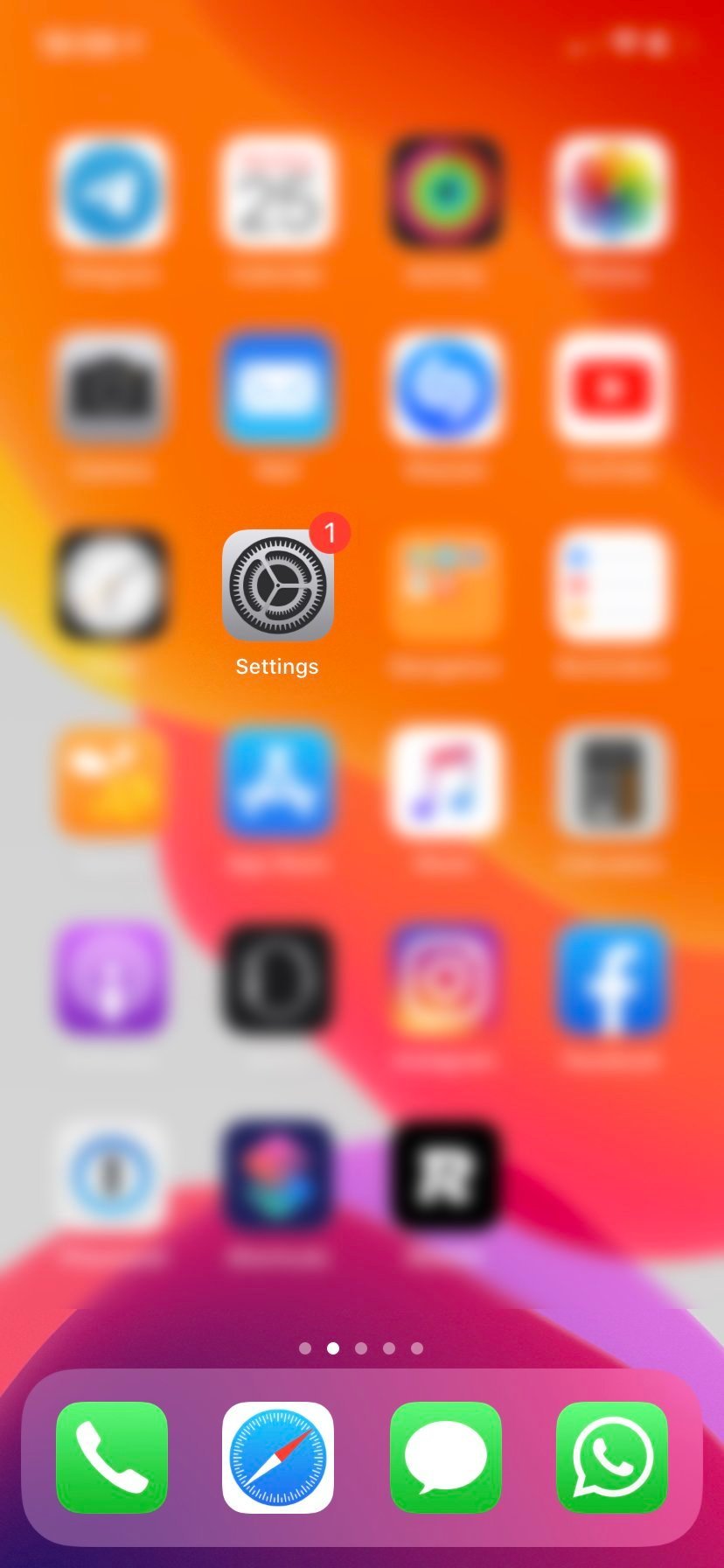
- Open Settings
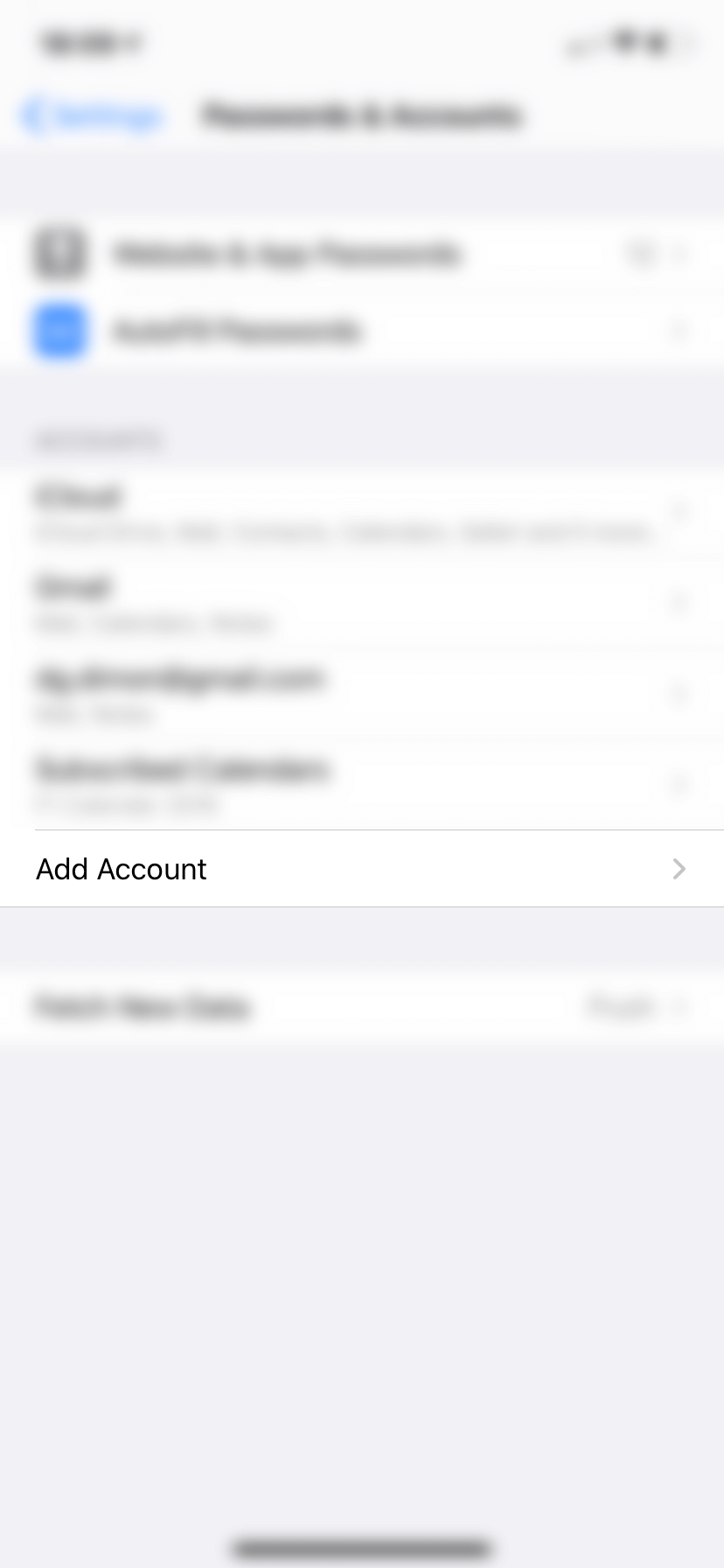
- Tap Passwords & Accounts
- Tap Add Account → choose Other
- Tap Add Mail Account
- Enter your email details and tap Next
- Enter the server settings (host name shown below) and save