

You can easily add your business email account to your iPhone’s Mail app by following the steps below.
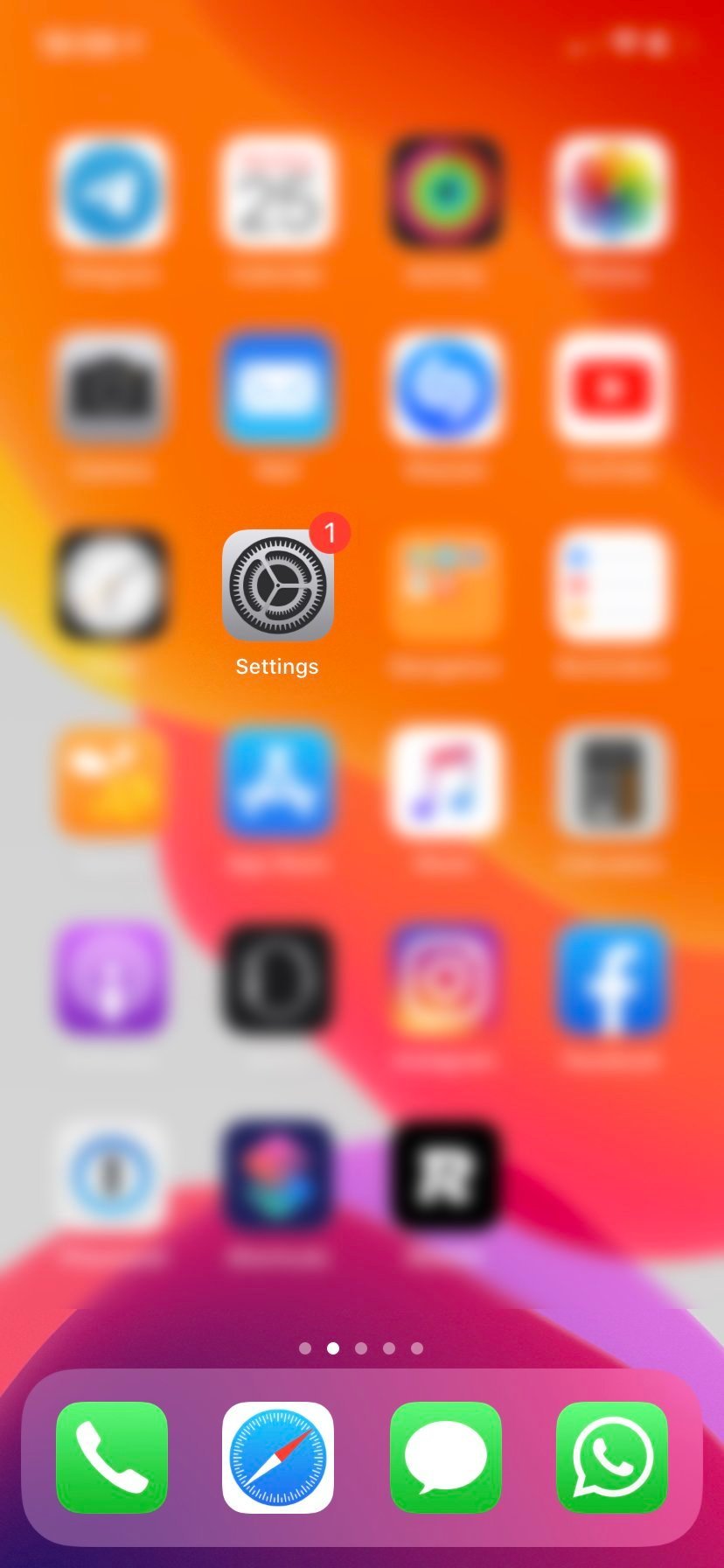
From your home screen, tap Settings.
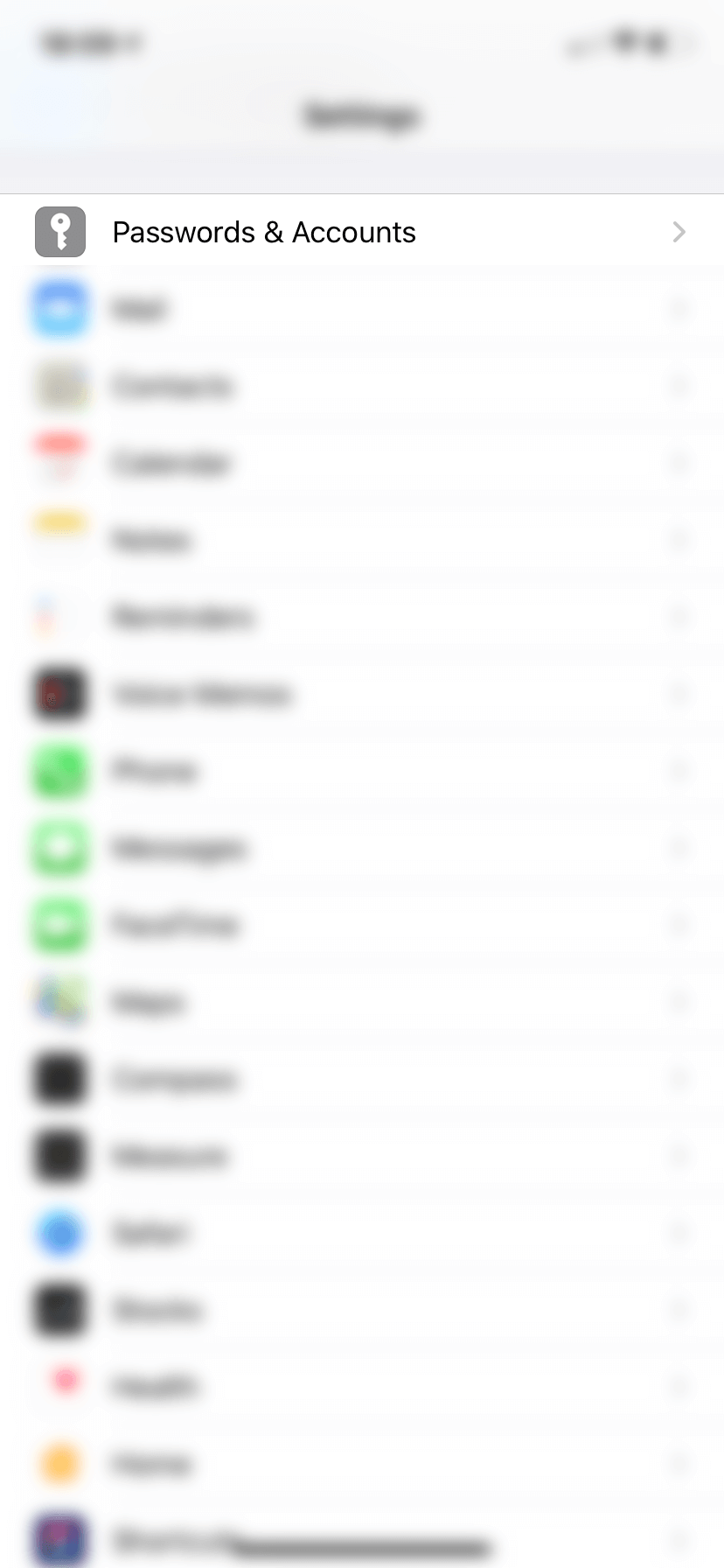
Scroll down and select:
Passwords& Accounts
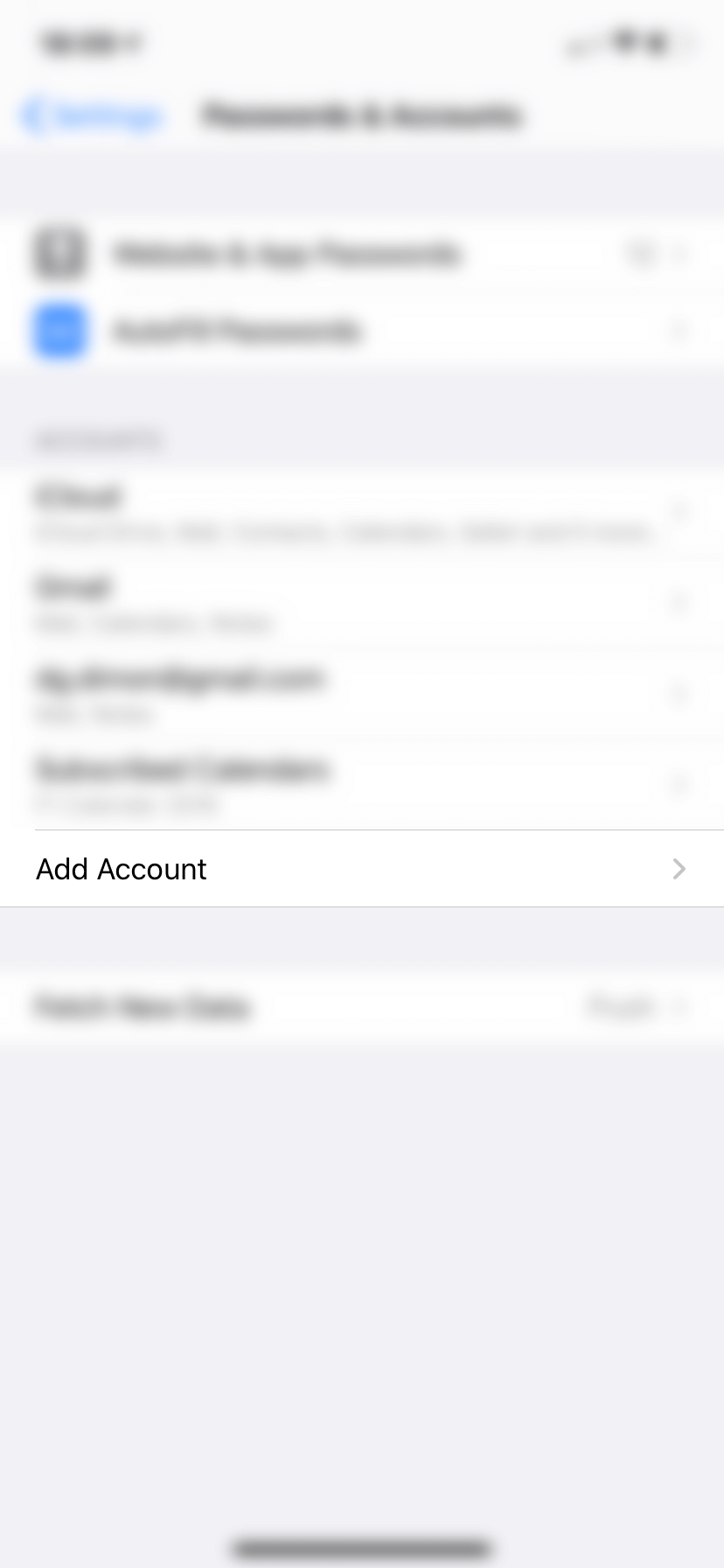
Tap Add Account
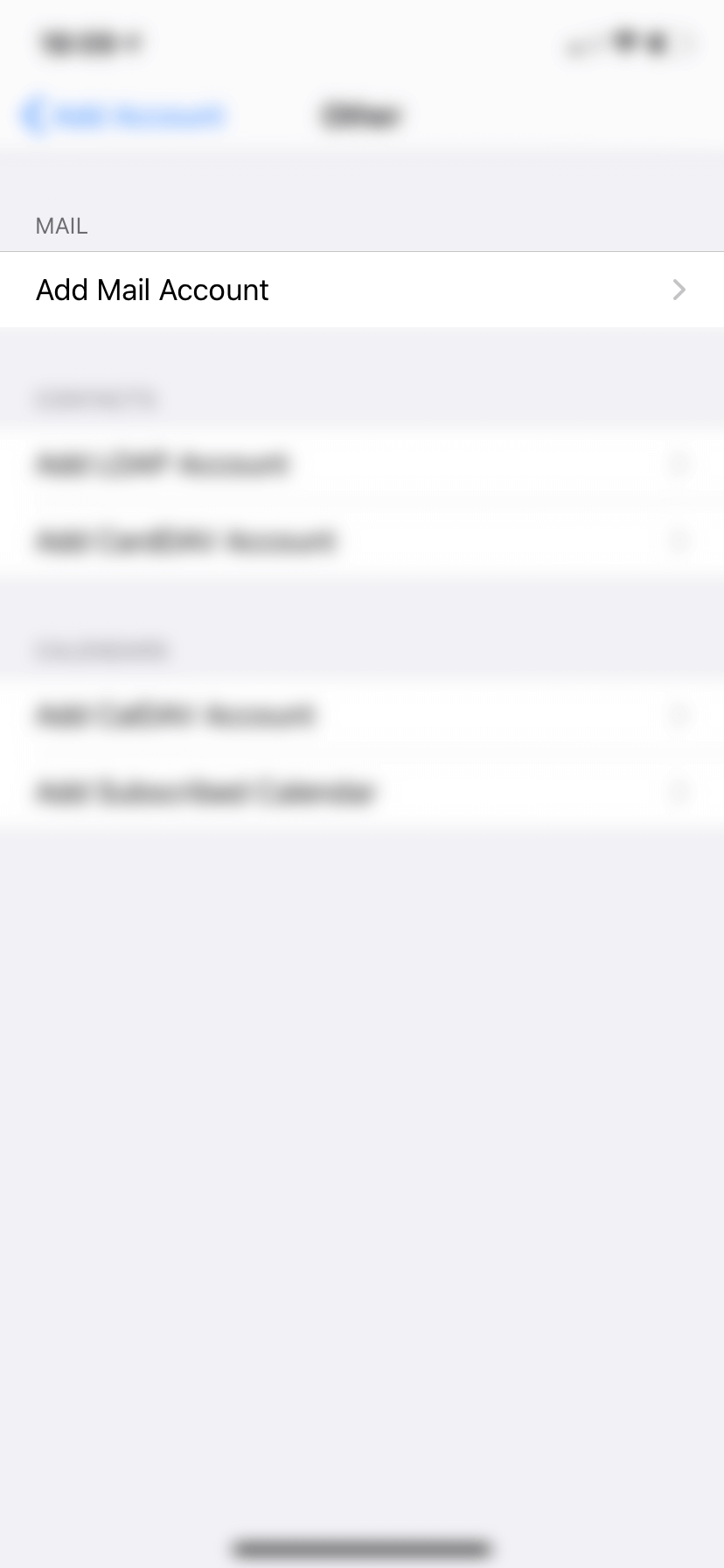
Select Other
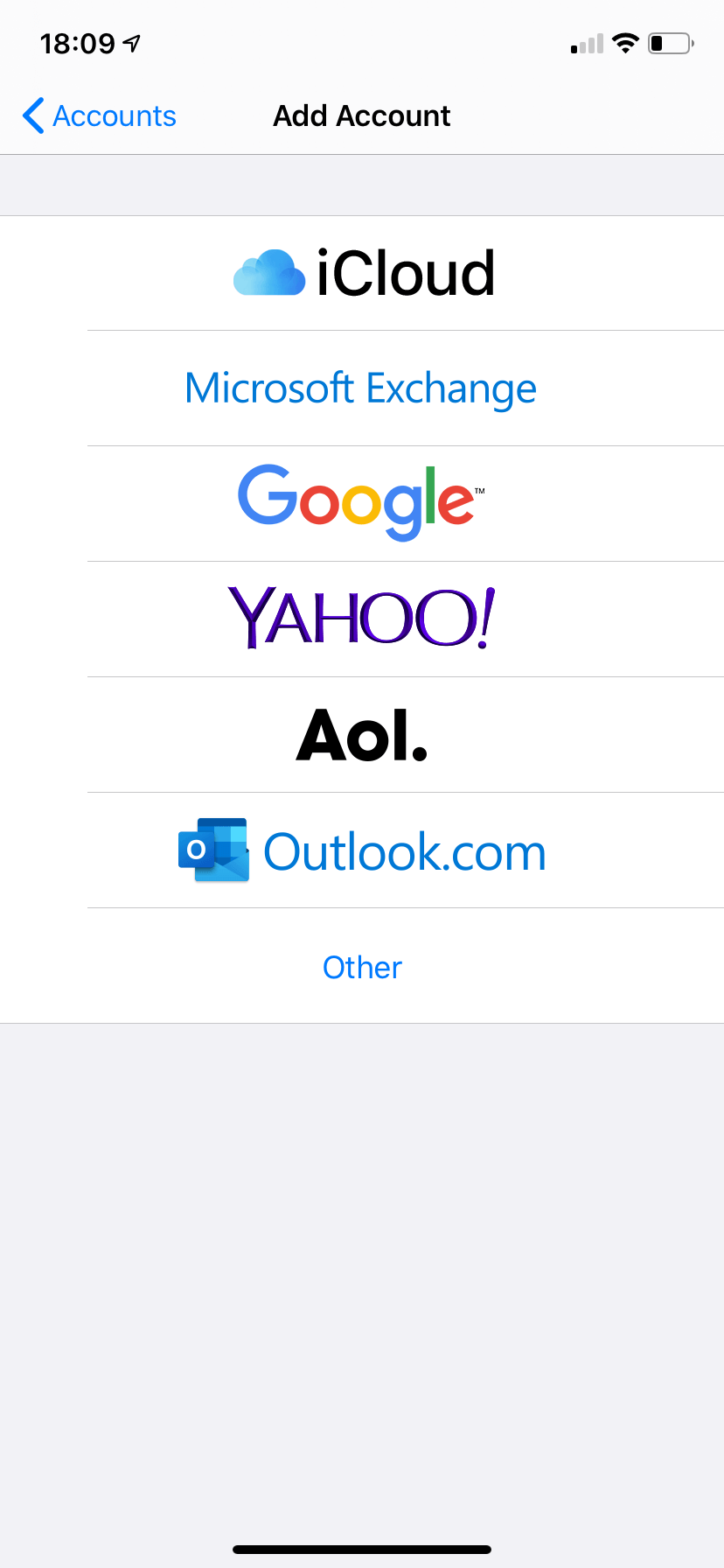
Tap Add Mail Account to begin the setup.
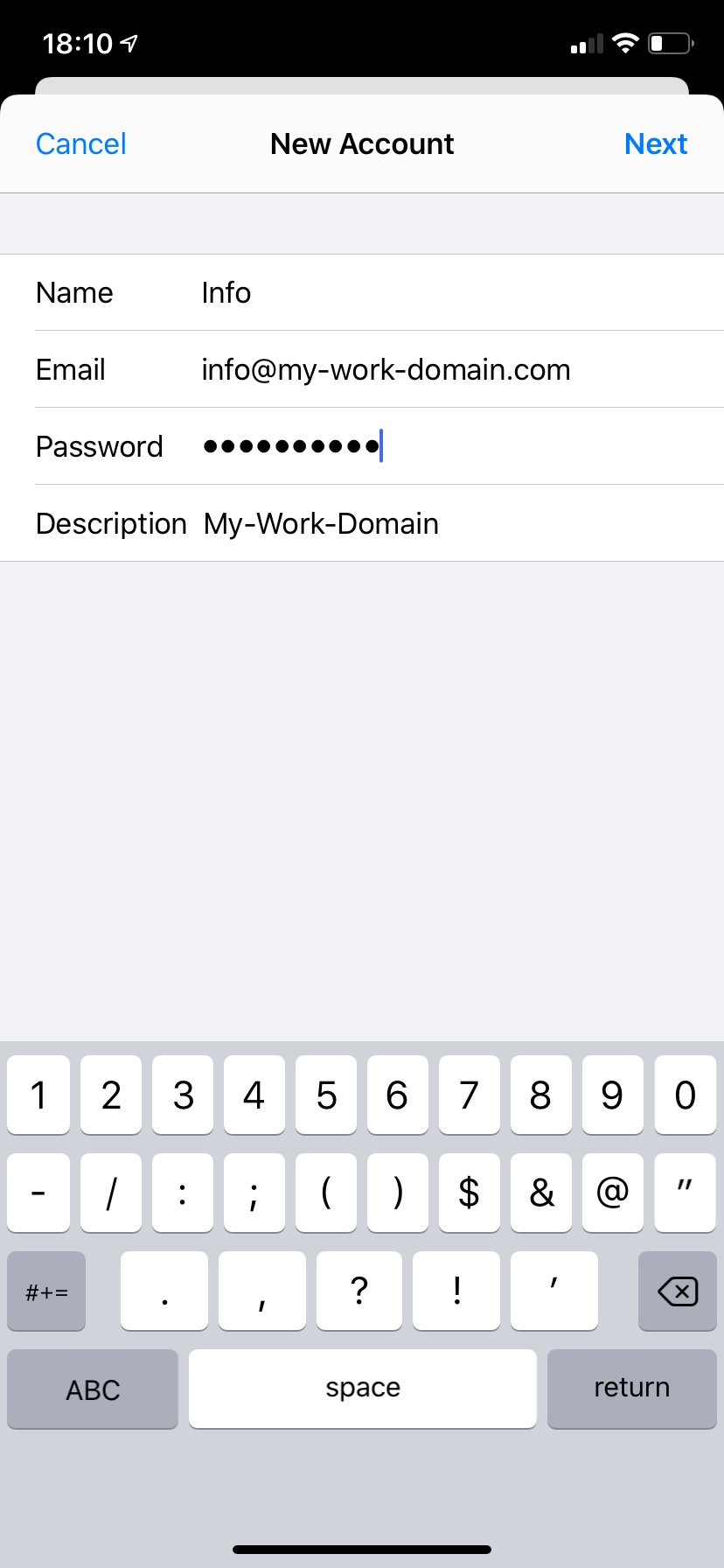
Fill in your account information:
Name
Email address
Password
Description (optional)
Then tap Next.
Under both Incoming Mail Server and Outgoing Mail Server, use the following host name:
Host Name: mail.enter-system.com
Enter your email username and password as required.
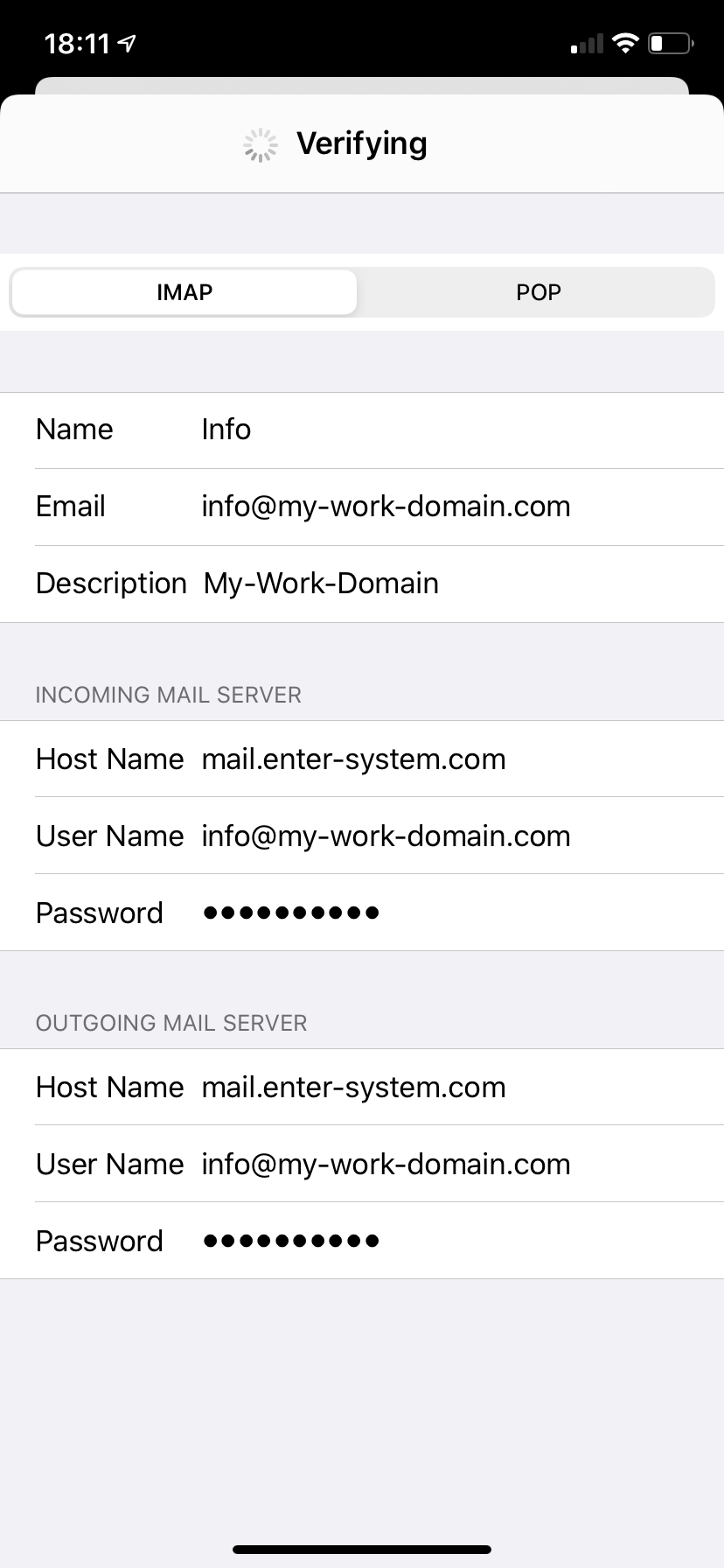
Once submitted, your iPhone will verify the settings and add the mailbox to your email accounts list.