

You can add new content to your website by choosing from a wide range of ready-made page templates—everything from About pages and galleries to sales pages, bookings, blogs, and more. Pages are organized by categories, and you can also search to quickly find what you need.
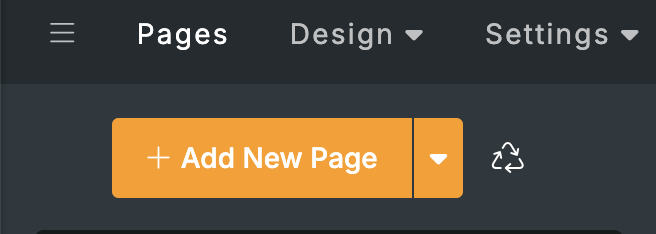
A window will open showing page templates you can browse and search.
If you don’t see the exact page you’re looking for, use the search bar at the top of the Add New Page window. Search helps you locate relevant templates quickly - and if there isn’t an exact match, it can suggest (or generate) the closest ready-made page template based on what you typed.
After adding the page, remember to publish your site when you’re ready for visitors to see it.
Use the category list to explore different page types. Click any category to see the templates inside it, then select the page you want to add.