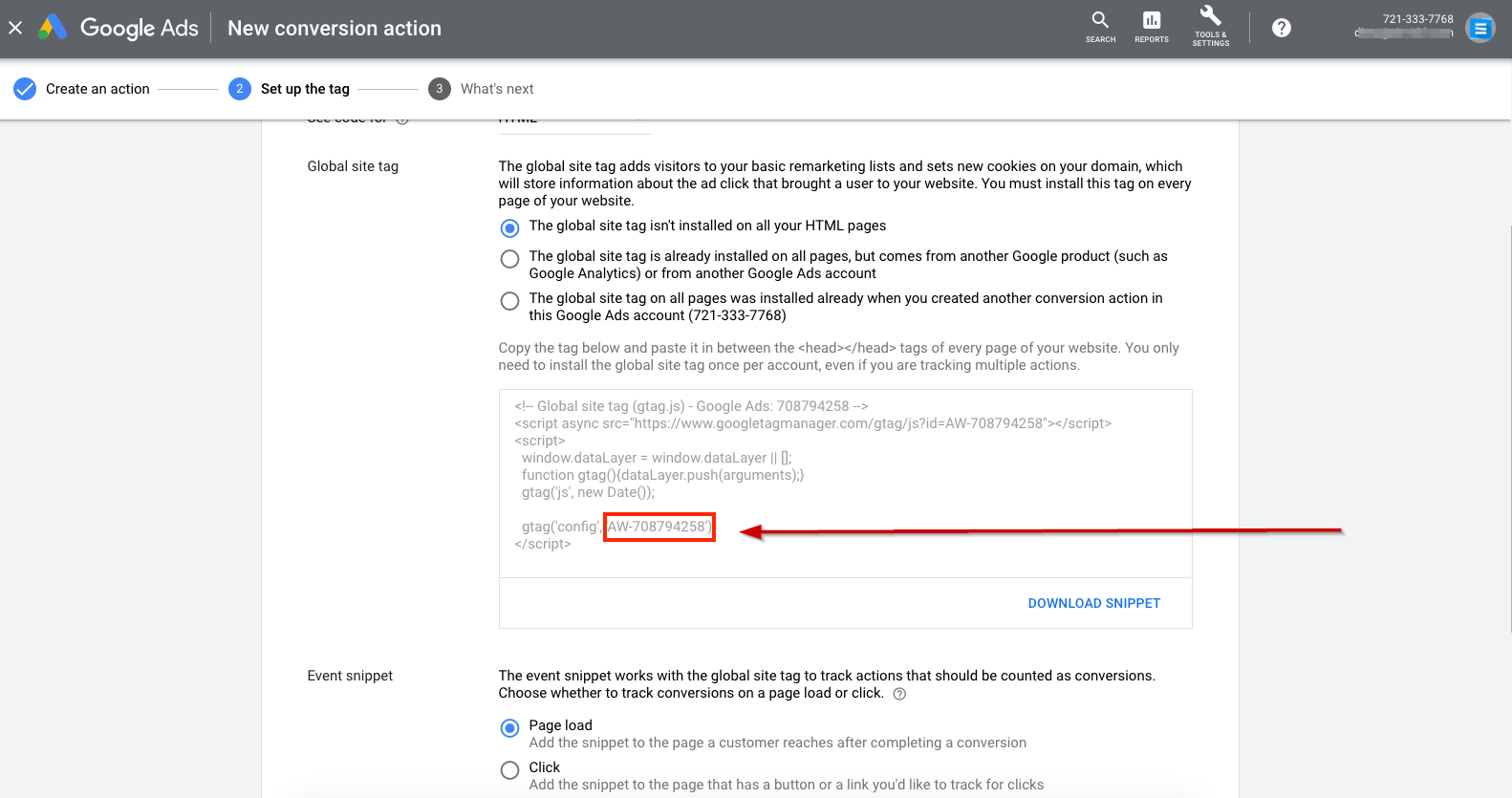
You’ll copy the Application ID from Google Ads while creating a website conversion action:
- Go to ads.google.com and sign in (or create a Google Ads account).
- Click Tools & Settings > Conversions.
- Click the + button and choose Website.
- Fill in your conversion details and click Next.
- Select Add the tag to your website code.
- From the code section, copy the Application ID snippet, then click Next and DONE.