

The Advisor tool gives you a centralized overview of your website’s health and performance.
It helps you monitor key elements that affect:
Your website’s visibility on search engines
SEO and indexing status
Legal compliance requirements
Security and trust indicators
Professional improvement opportunities
With Advisor, you get an easy “at-a-glance” view of what’s working well and what still needs attention.
To open the Advisor tool:
Go to your website Dashboard
From the side menu, click Advisor
In the Main tab, review the status indicators
Use the Filter button at the top to focus on a specific category
Advisor is divided into several subject areas.
You can view everything at once or filter by topic.
This is the default view, showing the full website audit in one place.
From here, you can:
See all indicators immediately
Click any alert or recommendation
Fix issues directly from the tool
The SEO section helps you improve how your website appears in search engines and how easily it can be found online by providing you with real time view of your pages' ratings and issues.
Meta tags include your homepage title and description, which appear in Google search results.
You can also add meta tags for every page on your site. Adding new meta tags will automatically reflect in your SEO overview status of the page.
Learn more: Editing Website Meta Tags to Improve SEO
Your sitemap helps search engines discover and index all pages on your website.
To locate your sitemap:
Option 1 (Advisor Tool)
Click the Sitemap indicator
Copy the sitemap link
Option 2 (Website Editor)
Open Pages
Find the Homepage
Click the gear icon → SEO
Copy the sitemap link from the top of the screen
Submitting your sitemap through Google Search Console helps your site appear faster in search results.
A favicon is the small icon that appears:
Next to your site in browser tabs
Besides your website in search results
Adding one strengthens your brand identity.
Learn more: Website Name, Logo, and Favicon
In the SEO Pages – Audit tab, you can see your pages and check SEO performance in real time as well as how changed made affect the page rating.
The audit provides:
Overall SEO score
Scan date
Number of pages scanned
Passed and failed tests
For each page, you’ll see:
Which tests were successful
Main focus keywords
Suggestions for improvement
Click Manage to edit page SEO directly from the tool.
Websites with a custom domain (such as yourwebsite.com) typically receive more traffic than websites using a subdomain.
A unique domain improves:
Search visibility
Branding
Professional appearance
Learn more: How to Search and Order a Domain
Note: To connect your domain to your website, you must upgrade your website package to one of our premium packages.
Adding multiple languages helps you reach international visitors and improves global SEO.
To manage languages:
Click the Multiple Languages indicator
Select Manage Languages
This feature automatically creates links between related pages and posts.
Internal links help:
Search engines understand your site structure
Visitors discover more content
To manage this setting:
Click the indicator
Select Navigate to Blog Settings or Article Settings
Keywords Manager helps you track and optimize the keywords that matter most for your business.
It shows:
Keywords you rank for
New keyword opportunities
Click the indicator → Go to Keyword Manager
Recommended Content is an AI-powered assistant that suggests blog and article topics based on your website.
Click the indicator → Generate Content Now
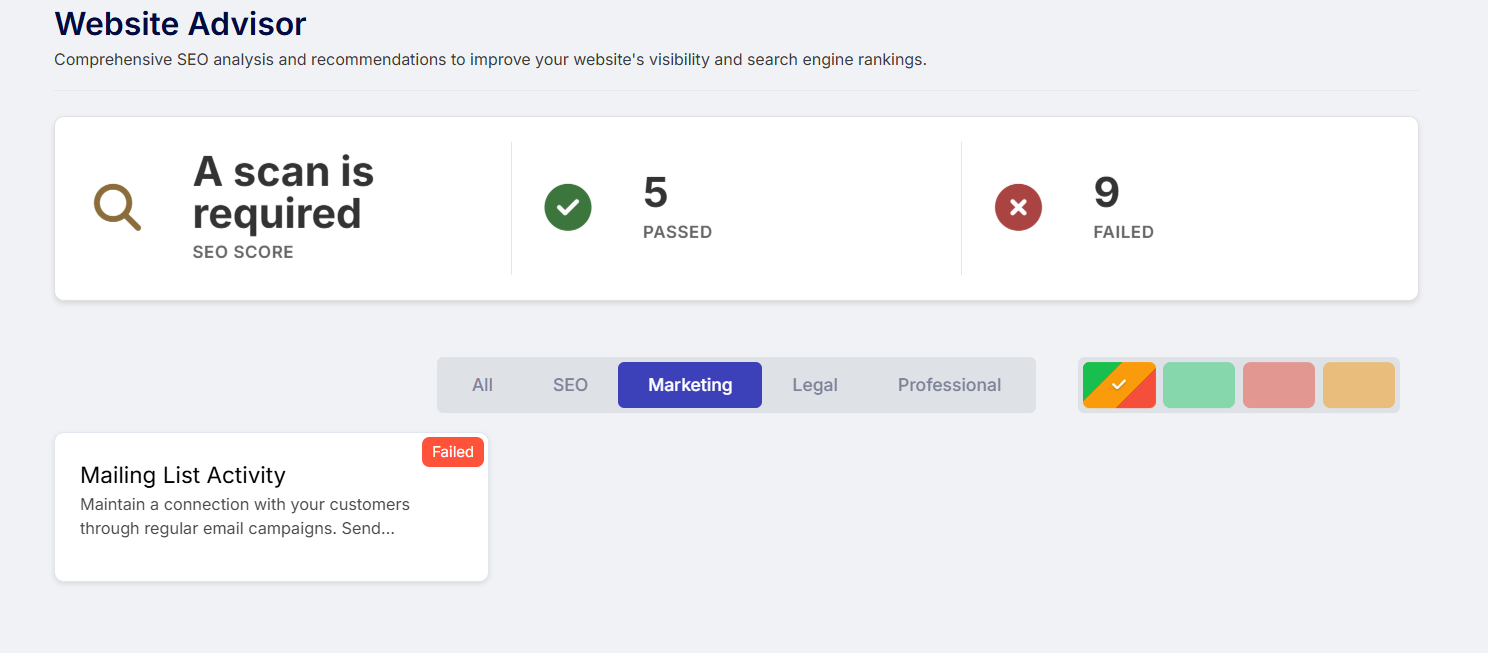
The Marketing section helps you track your engagement and campaign activity.
This indicator shows whether you have recently sent email campaigns.
From here, you can:
Create your first email campaign
View your mailing history
Stay connected with your audience
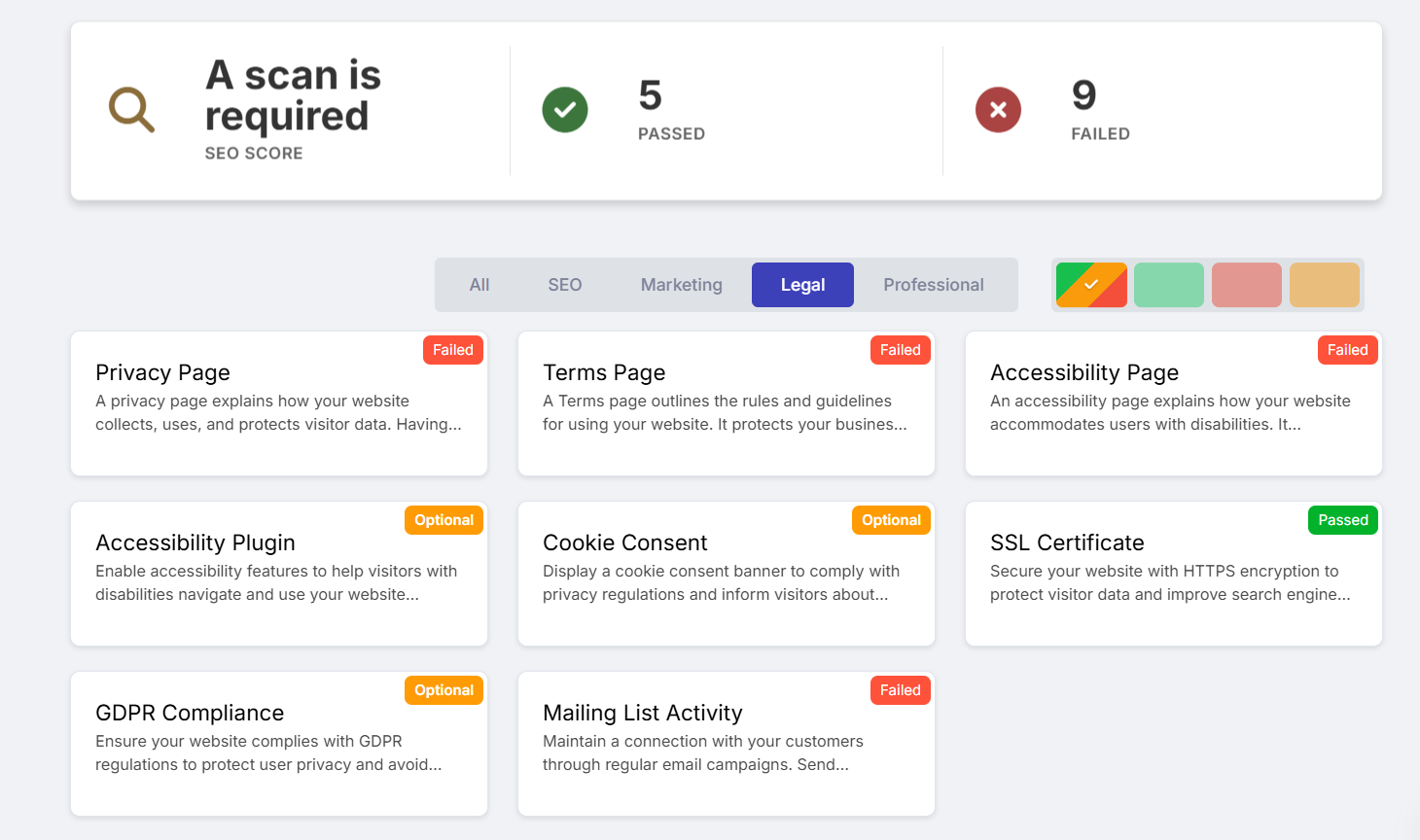
The Legal Overview helps you meet important legal and security requirements.
This indicator shows whether your site includes the required legal statements.
Click an option to:
Learn why it’s important
Open the editor
Add the statement to your website
Learn more: Privacy Policy, Accessibility Statement, and Terms of Use
This indicator shows whether an accessibility plugin is active.
If not, click:
Add Plugin - to enable it automatically
Cookie consent is required in many regions.
If missing, click:
Open Editor - to add the consent banner
This indicator displays whether your site is protected with SSL (HTTPS).
SSL improves:
Security
Trust
Search engine ranking
Advisor provides guidance on whether your website meets GDPR requirements and what steps may still be needed.
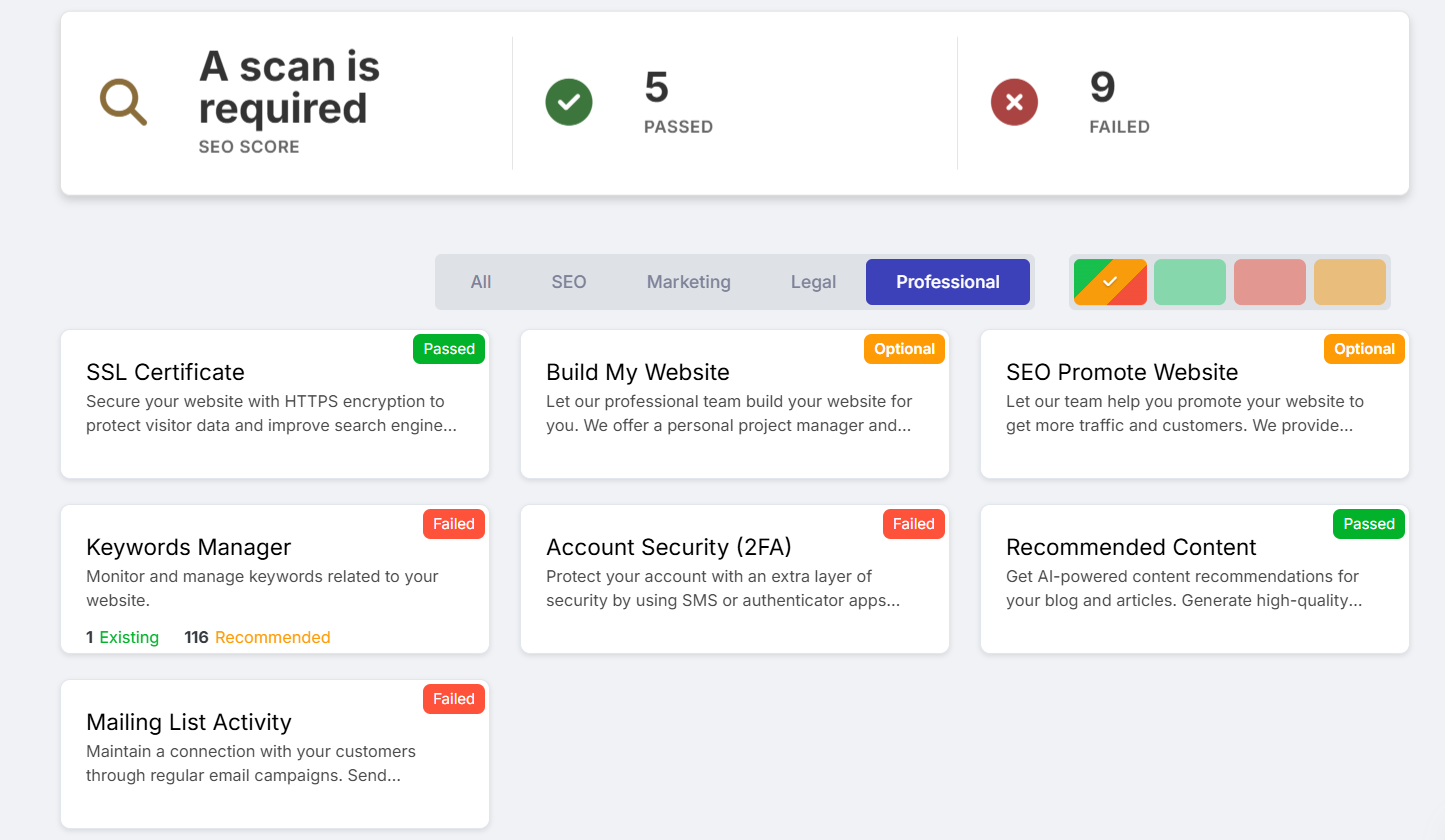
This section highlights general improvements and professional services available for your website.
These indicators provide access to professional design and SEO services.
You can click Start Now to explore packages and get expert help building and promoting your website.
Two-Factor Authentication adds an extra layer of security to your account.
To enable it:
Click the indicator
Select Manage Security Settings
The Keywords Manager tab allows you to manage targeted keywords for SEO optimization.
You can:
View all added keywords
Add new keywords manually
To add keywords:
Click Add Keyword
Enter keywords separated by commas
Example:
website builder, website design, online store
The keyword table includes:
Keyword – the term you added
Volume – search popularity
Competition – how many sites target the same term
Website Pages – where the keyword appears
Source – manual or AI-generated
Actions – view suggestions or delete keywords
Use the filters at the top to sort results by:
Alphabetical order
Search volume
Competition level
Appearance count
Targeting is based on your AI country settings and affects your website’s overall SEO focus.
This tab contains AI-generated content created for your website.
The table shows:
Topic
Keywords used
Creation date
Status (published or not)
You can:
Preview content
Publish directly
To create a new post:
Click Generate Content
Fill in the following:
Short (up to 500 words)
Medium (up to 1000 words)
Long (up to 1500 words)
Very Long (up to 2500 words)
List Style
Step-by-Step Guide
Storytelling
Problem & Solution
Review & Comparison
Research Report
AI Credits are used for AI-powered features and other actions. Your balance is split into two types: plan credits, which reset each billing cycle, and bonus credits, which are permanent. The Credits page shows how many credits you have available to use across the platform.
Read more about the AI Credits Page
Note:
AI credits are associated with your account and not with a specific package. When upgrading to a premium package, you will receive an additional AI credit Bonus; the bonus will vary depending on the selected package
Once content is generated:
It appears in your content table
Click Publish to add it to your website
Review and save before it goes live
In the 301 Redirects tab, you can redirect visitors and search engines from one URL to another.
Learn more: 301 Redirects Tool